How Apollo AI Works
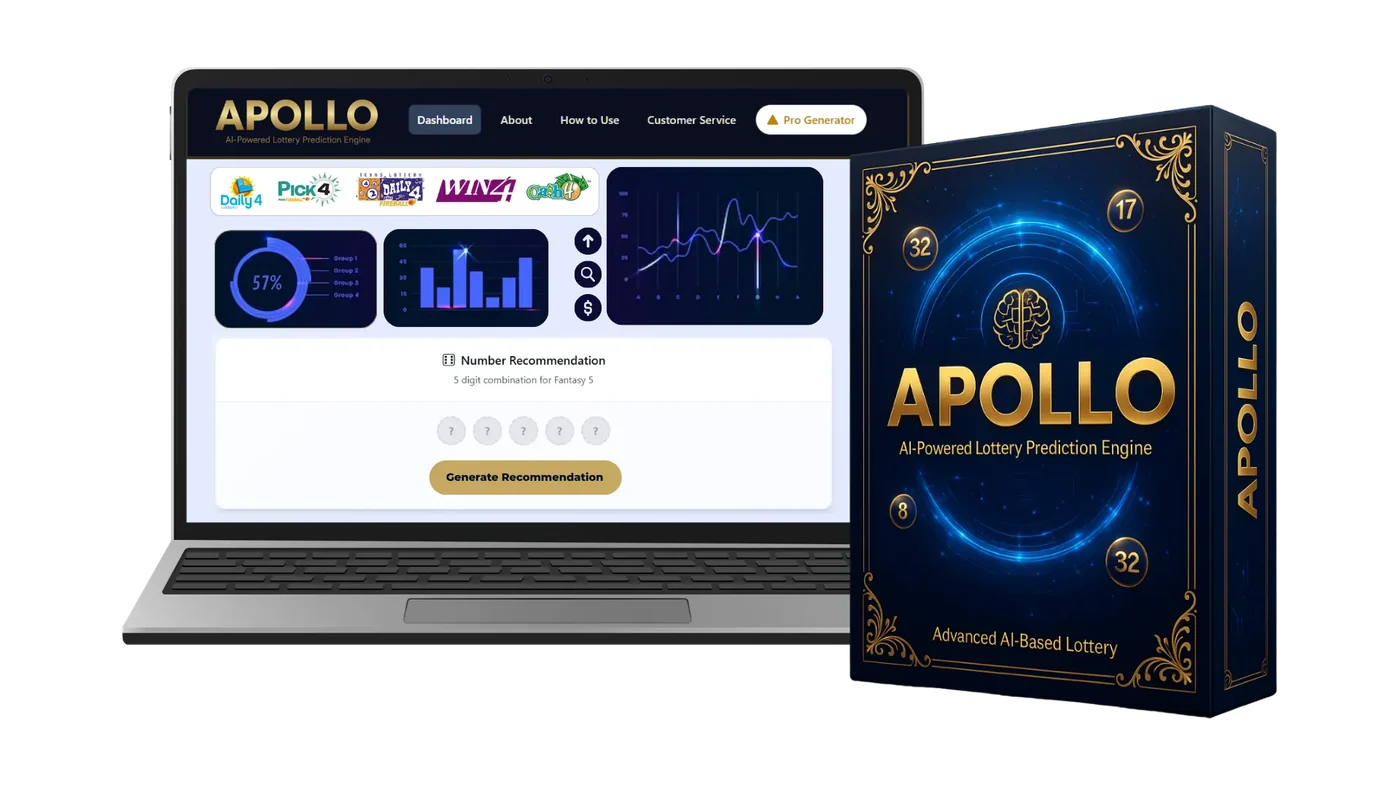
Six short steps from checkout to a ready number set. Most people have it down after one try.
Want a day-by-day plan? Try your first week with Apollo AI.
- 1
Order and log in
After checkout you receive login details. Open the dashboard in any browser. Nothing to install.
- 2
Choose your game
Pick the daily digit or pick-5 game you play. The draw archive loads its past results.
- 3
Let the model sort the data
The pattern model groups numbers by how often and how recently they appeared.
- 4
Read the charts
The ring shows the four groups. Bars show counts. The trend line shows recent movement.
- 5
Tap Generate
A full set that fits your game's rules appears. Tap again for another one if you like.
- 6
Play within your limit
Use the numbers however you normally play, and stick to the budget you set in advance.
Quick Questions
Usually three to five minutes: choose a game, glance at the charts, tap Generate, write down your numbers.
No. The charts use colors and simple labels. If you can read a weather app, you can read these.
Yes. Tap Generate again for a new set. Remember that each set has the same chance in an official draw.
Try Apollo AI for Your Next Draw
Get the full dashboard for a single payment of $147. Lifetime updates are included, and you have 14 days to ask for a refund if it isn't for you.